




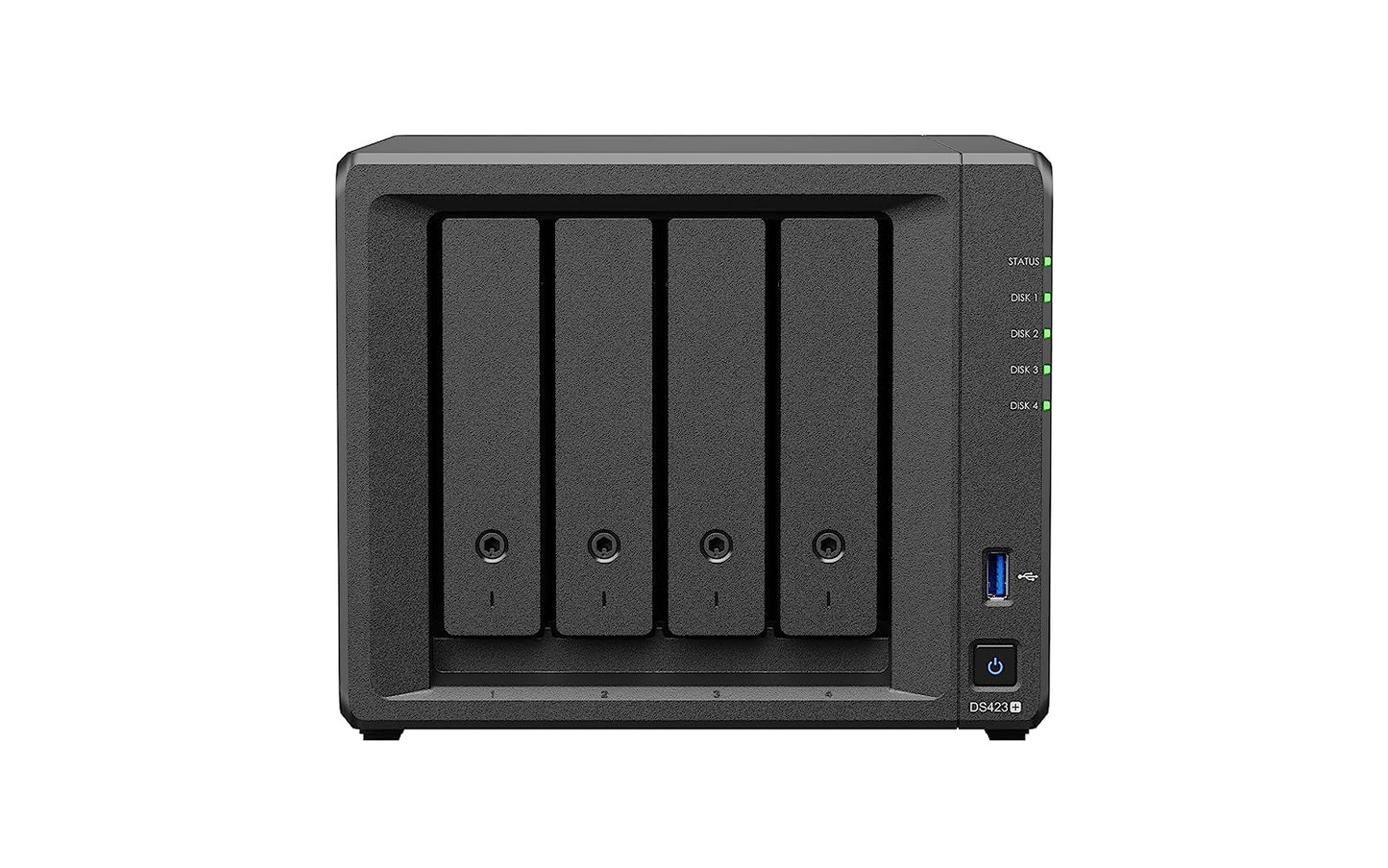
About this product
|
CPU
|
CPU Model | Intel Celeron J4125 |
|---|---|---|
| CPU Quantity | 1 | |
| CPU Architecture | 64-bit | |
| CPU Frequency | 4-core 2.0 (base) / 2.7 (burst) GHz | |
| Hardware Encryption Engine (AES-NI) | ||
|
Memory
|
System Memory | 2 GB DDR4 non-ECC |
| Total Memory Slots | 1 | |
| Maximum Memory Capacity | 6 GB (2 GB + 4 GB) | |
| Notes |
|
|
|
Storage
|
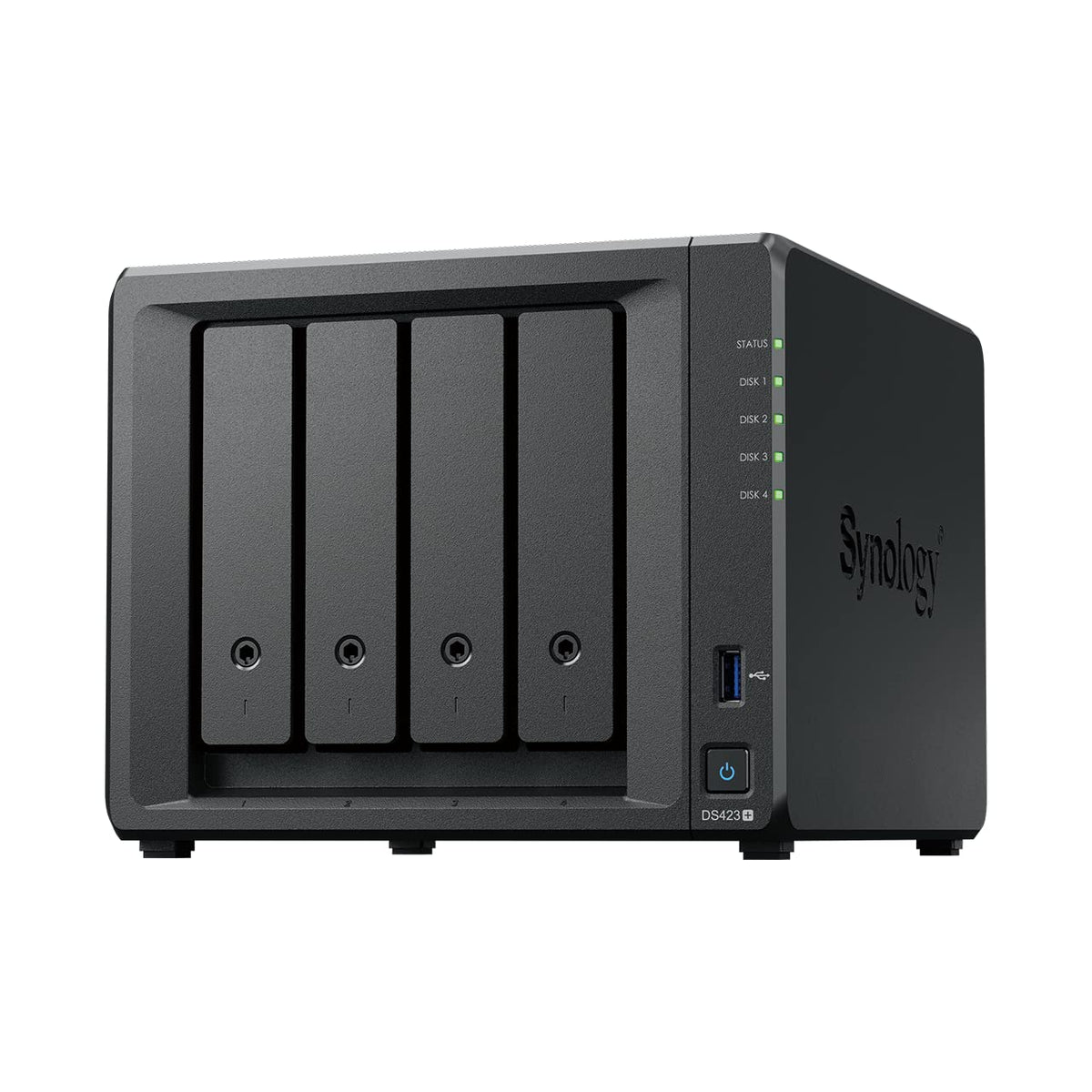
Drive Bays | 4 |
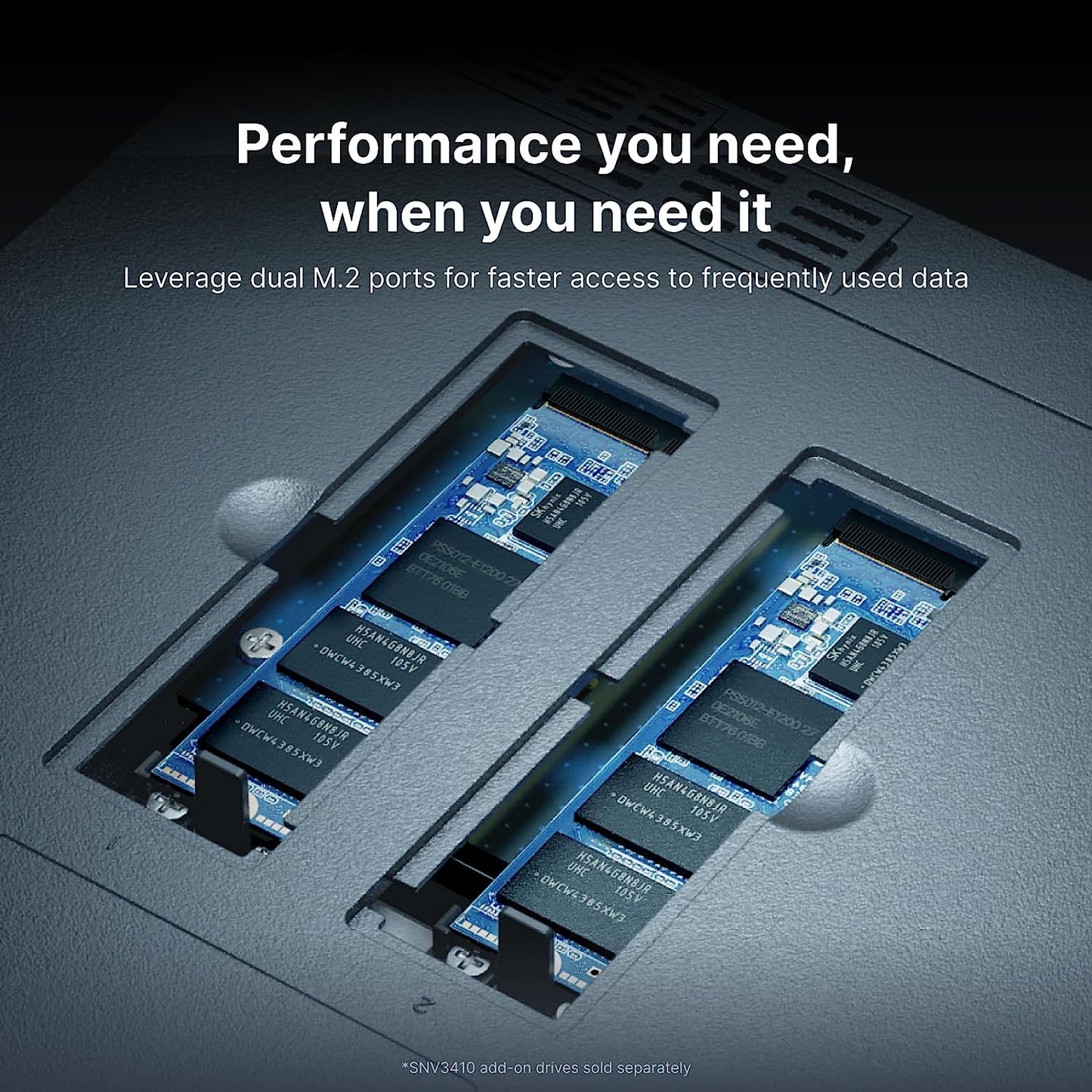
| M.2 Drive Slots | 2 (NVMe) | |
| Compatible Drive Type* (See all supported drives) |
|
|
| Hot Swappable Drive* | ||
| Notes |
|
|
|
External Ports
|
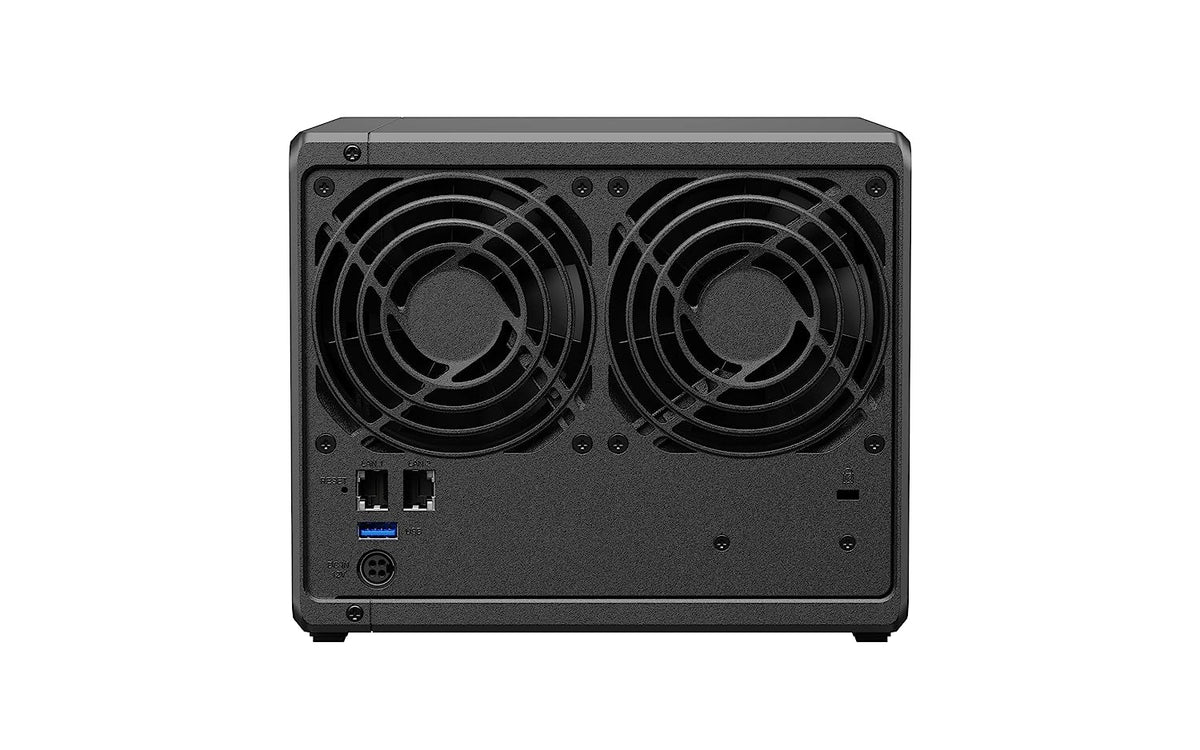
RJ-45 1GbE LAN Port* | 2 (with Link Aggregation / Failover support) |
| USB 3.2 Gen 1 Port* | 2 | |
| Notes |
|
|
|
File System
|
Internal Drives |
|
| External Drives |
|
|
|
Appearance
|
Size (Height x Width x Depth) | 166 mm x 199 mm x 223 mm |
| Weight | 2.18 kg | |
|
Others
|
System Fan | 92 mm x 92 mm x 2 pcs |
| Fan Speed Mode |
|
|
| Brightness Adjustable Front LED Indicators | ||
| Power Recovery | ||
| Noise Level* | 19.8 dB(A) | |
| Scheduled Power On / Off | ||
| Wake on LAN / WAN | ||
| Power Supply Unit / Adapter | 90 W | |
| AC Input Power Voltage | 100V to 240V AC | |
| Power Frequency | 50/60 Hz, Single Phase | |
| Power Consumption | 28.3 W (Access) 8.45 W (HDD Hibernation) |
|
| British Thermal Unit | 96.5 BTU/hr (Access) 28.81 BTU/hr (HDD Hibernation) |
|
| Notes |
|
|
|
Temperature
|
Operating Temperature | 0°C to 40°C (32°F to 104°F) |
| Storage Temperature | -20°C to 60°C (-5°F to 140°F) | |
| Relative Humidity | 5% to 95% RH | |
|
Certification
|
|
|
|
Warranty
|
3-year hardware warranty, extendable to 5 years with Extended Warranty Plus | |
| Notes |
|
|
|
Environment
|
RoHS Compliant | |
|
Packaging Content
|
|
|
|
Optional Accessories
|
|
|
Frequently asked questions
How fast will my order be shipped?
Orders are dispatched within 24 hours. Delivery usually takes 2-7 business days depending on your location (remote pincodes can take longer). Tracking details are shared on WhatsApp and SMS.
Do I get a GST invoice?
Yes - every order includes a GST invoice. Businesses can use it to claim input tax credit.
Is this product genuine?
Yes - we sell 100% genuine, brand-authorized stock with the applicable brand warranty.
What is the return policy?
We have a 7-day return policy - the item must be unused and in its original packaging. Defective or damaged items are replaced. See our Shipping and Returns page for full details.
Which courier will deliver my order?
We ship via Xpressbees, India Post, Delhivery, Amazon Shipping and other leading partners - whichever serves your pincode fastest.
Synology DiskStation DS423+ Net...
₹ 49,188.00